
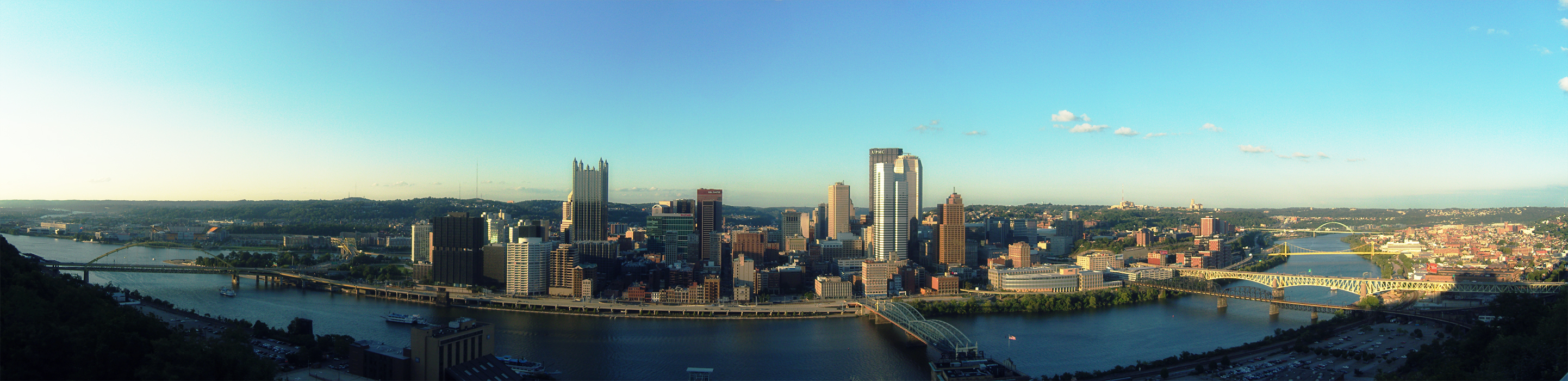


Carnegie Mellon Campus Panorama

A picture I took of my university campus on a quiet day. Click on the image for the full image.

[How-to-Fix] WampServer Unable to Put Online
WampServer is a Windows web development environment. It allows you to create web applications with Apache, PHP and the MySQL database. It also comes with PHPMyAdmin to easily manage your databases. I was trying to install it and run the server, but for some reason it wouldn't go online. The problem was that WampServer and Skype were trying to access the same port (80).
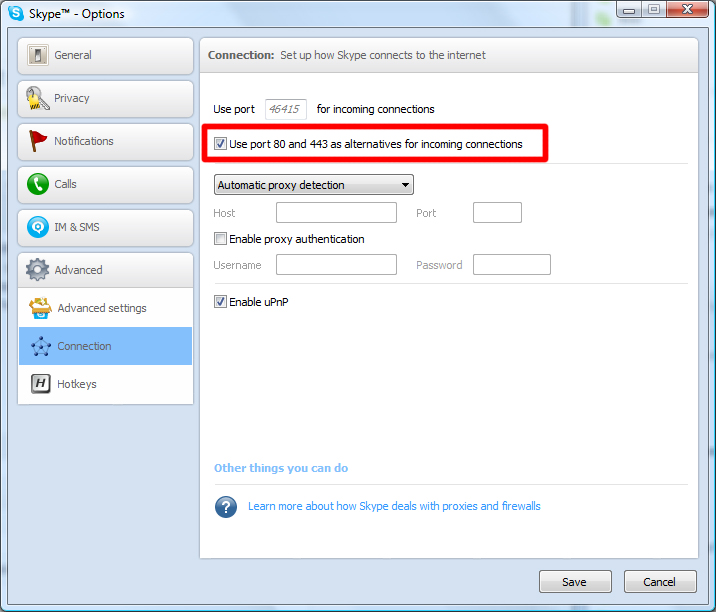
To fix this, go to Skype > Tools > Options > Advanced > Connection and uncheck "Use port 80 and 443 as alternatives for incoming connections". You'll be able to launch the server now :)
[How-to-Fix] Catalyst Control Center & Native Resolution

My 23" Dell SP2309W has a native resolution of 2048x1152 and worked fine until yesterday when I tried to update the driver of my ATI Radeon HD 5700 graphic card. After updating, the highest resolution I could select was 1920x1080 and I was unable to set the resolution back to the native 2048x1152 resolution. This was driving me crazy, because everything was all blurry in 1920x1080 :(
The problem seems to occur when you have multiple screens connected to your PC; in my case I have my Dell monitor and my Samsung TV connected to my desktop. Before, my Dell was my primary and my Samsung was my secondary screen, but after the update my Samsung became the primary and my Dell the secondary. Apparently, after updating the drivers, ATI's Catalyst Control Center sometimes selects a different screen as your primary which results that my PC wasn't showing up the native resolution of my 23" monitor. To make it worse, your screen is duplicated across both screens, so it's not apparent that the index of your screens are changed or what so ever.
Anyway, to fix this, just disable your 2nd screen or make your monitor; with the higher native resolution, your primary! Easy as that, but it's not very obvious :)
[How-to-Fix] Chrome Adblock & Youtube Auto HD
Great extensions if you're using Google Chrome! :)
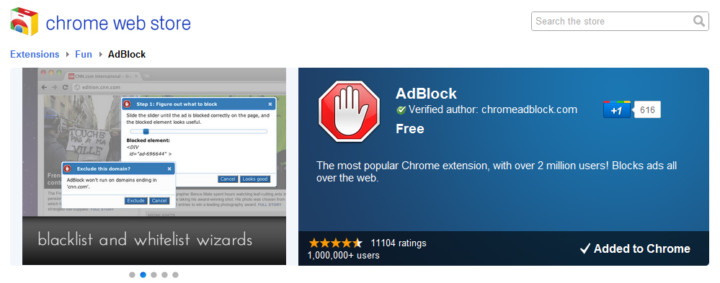
AdBlock

AdBlock for Chrome! Block all advertisements on all web pages, even Facebook and Youtube. Your browser is automatically updated with additions to the filter: just click Install, then visit your favorite website and see the ads disappear!
Auto HD for YouTube

Auto HD! With this extension all youtube video start playing in HD. In addition you can specify if you want the player widened.