
Outlook.com Report Phishing Button
After more than 3 years, the Outlook.com team finally decided to remove the "Report Phishing"-option from the "Not Spam" menu, and made it its own dedicated button! The old placement was so confusing and it didn't make any sense to put the report phishing option under Not Spam. Your first instinct wouldn't be to look there if you want to report phishing or other malicious emails. But maybe enough people complained about it or they've finally had someone look at their UX...
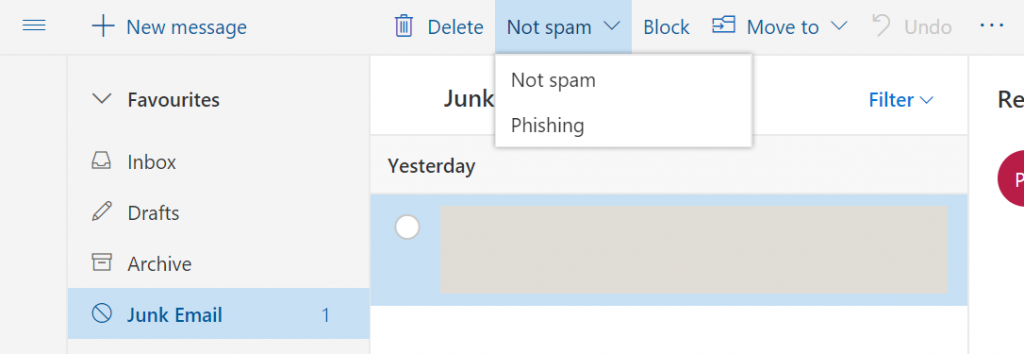 The old "Report Phishing" button placement.
 The NEW "Report Phishing" button placement. So much better!

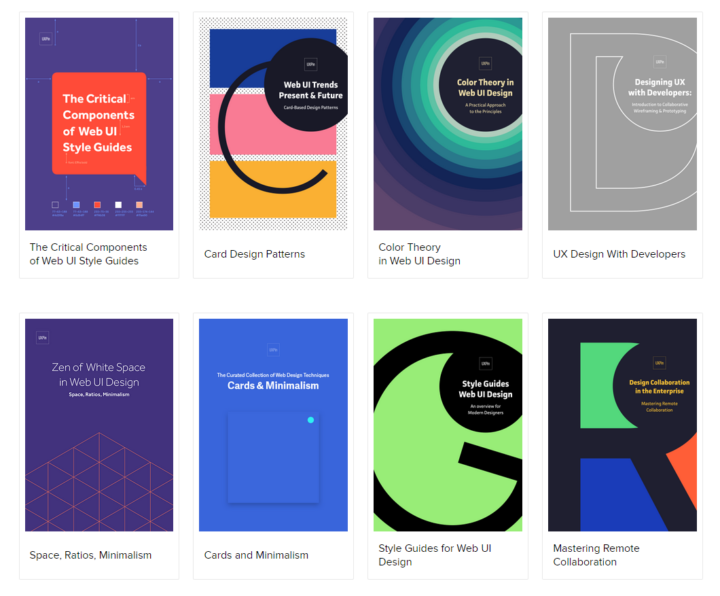
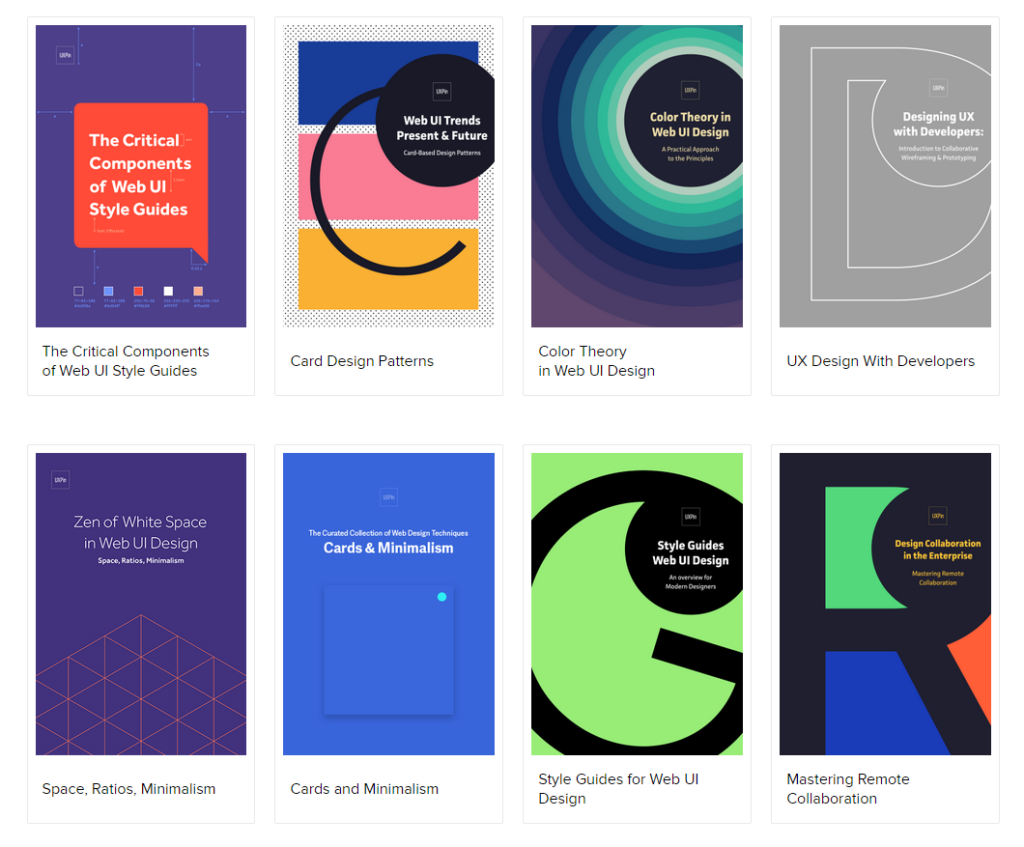
UXPin's UX Design Knowledge & Tool Kits
UXPin has a very neat section where they share knowledge and tool kits with thoughtful content on mobile & web prototyping, wireframing, mockups, usability testing, project management, design process & more. It's basically free! All you have to do is enter your email :)

Copywriting Tips & Design Process
I've been working on some designs recently, which involves some copywriting. With no real prior experience in writing copy, it gets kind of tricky sometimes, especially when you have to start with a clean slate. While doing some reading and research on how to write copy, I came across these articles which provide tips and explanations on how copywriting fits in the design process. Writing copy should be an integral part throughout the entire design process, and doesn't just belong at the beginning, middle, or end. The Fast Company Design articles below, written by John Zeratsky, take lessons from Google Venture and summarize them into must-read list and how all those things fit inside the (interface) design process. There's also a cool article about how Google Venture makes design decisions with dots... lots of sticky dots! The Dead Simple Way Google Ventures Unlocks Great Ideas.
From Google Ventures: 5 Rules For Writing Great Interface Copy
- CLARITY IS KING
- PERSONALITY DOESN'T MATTER AS MUCH AS YOU THINK
- JUST TELL ME
- BY THE WAY, PEOPLE DO READ
- WRITING IS PART OF THE DESIGN PROCESS
How To Master Copywriting
- SKETCH: NOUNS, VERBS, AND HEADLINES
- CRITIQUE: DECIDE WHAT TO PROTOTYPE
- PROTOTYPE: DETAILED, REALISTIC TEXT
- USER RESEARCH: LISTEN FOR WHAT WORKS

Must Read UI / UX Related News 2014
Last update: January 28, 2014
In this post, I will put a collection of interesting UI and UX design news, updates, trends, whatever I've found on the internet. I will include the link to the actual article and also a short overview of what's in there. Some stuff might be overlapping, which is actually good showing that multiple sources agree on the same things. The list below will show the most recent article at the top and has no particular order in terms of relevance or ranking. I will keep bumping this post whenever I update it. If you come across any interesting articles feel free to send me a message at [email protected].
7 unbreakable laws of user interface design
- Law of clarity
- Law of preferred action
- Law of context
- Law of defaults
- Law of guided action
- Law of feedback
- Law of easing
Should I Use A Carousel?
So...Should I...? Funny little website explaining why you shouldn't use one for your website. Here's an article on CreativeBlog with an in-depth interview with the creator Jared Smith.
12 Outdated Web Features That Need to Disappear in 2014
- Irrelevant Elements
- Flash Intros
- Photo Carousel
- Large Hero Images
- Stock Photos
- Animated GIF Flags
- Autoplay Videos
- Automated Popups
- 'Hello World' Blog Post
- Sidebars
- Reloading Pages
- M.dot Sites
14 Design Trends for 2014
- Theming Apps
- Color as Affordance
- Layers and Depth Within Apps
- Parallax
- Blur. Lots of Blur.
- Experimenting with Transitions
- Importance in the Details
- Content Impermanence
- Single-Use Pages
- Browser's Integration with OSes
- Physical Products Coinciding With Apps
- The Full Experience
Goodbye to 8 Design Elements Whose Time has Come
- The Drop-Down Menu
- Carousel
- Internet Explorer 9
- Skeuomorphism
- Flash
- Web Pages
- Shared Hosting
- “m.” Sites
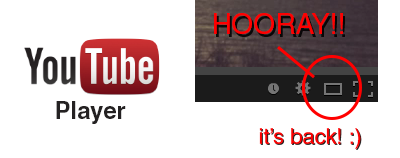
YouTube's Player Size Button is Back!
Hooray!! The YouTube player size button is back! A couple a days ago YouTube got a major update (Google+ comment integration) and it seems like they moved the player size button back to the video menu bar. In their previous update the player size button was moved and nested inside the cogwheel button. This was a huge pain in the ass since it required an extra step to perform an option that was very frequently used (you can read about the design and interaction analysis in my previous blog post).
Luckily, YouTube decided to put the player size button back on the video menu bar. Did they get too many complaints or did they just realize it was a horrible UI design choice? Anyway, hopefully they will put back the video quality button back is well haha.. To close this post, I would like to include the sound clip from Super Smash Bros below to celebrate the return of the video size button :)
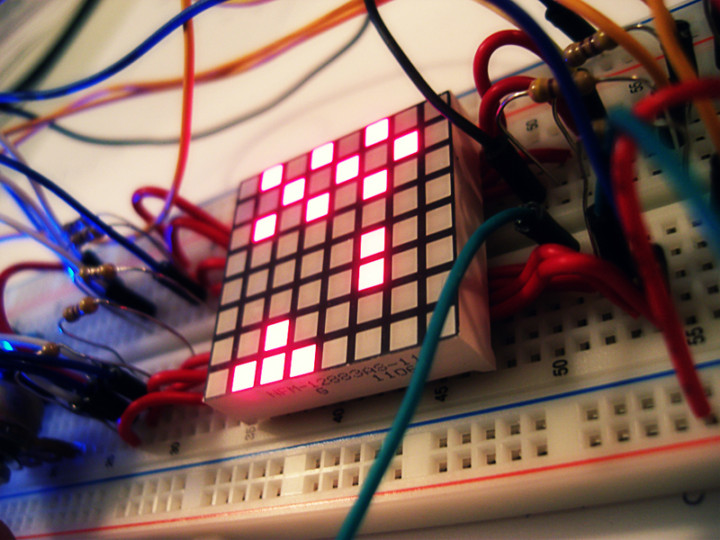
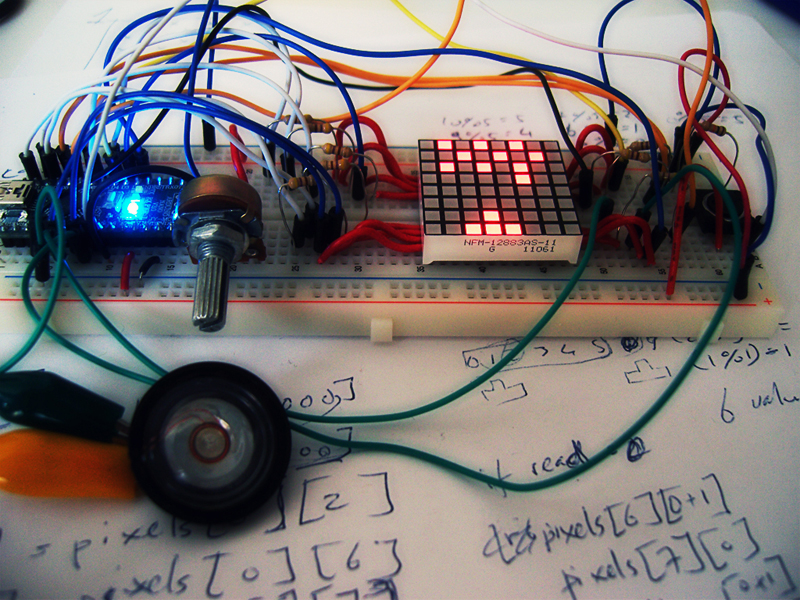
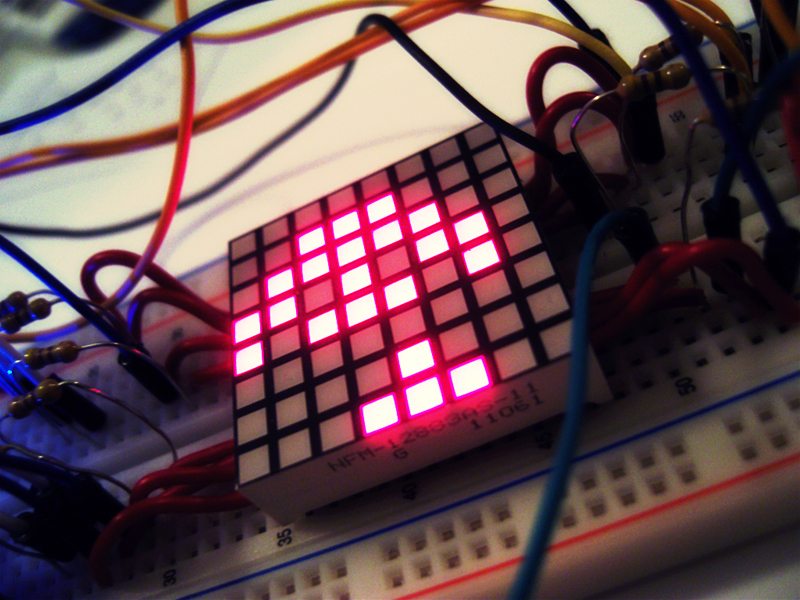
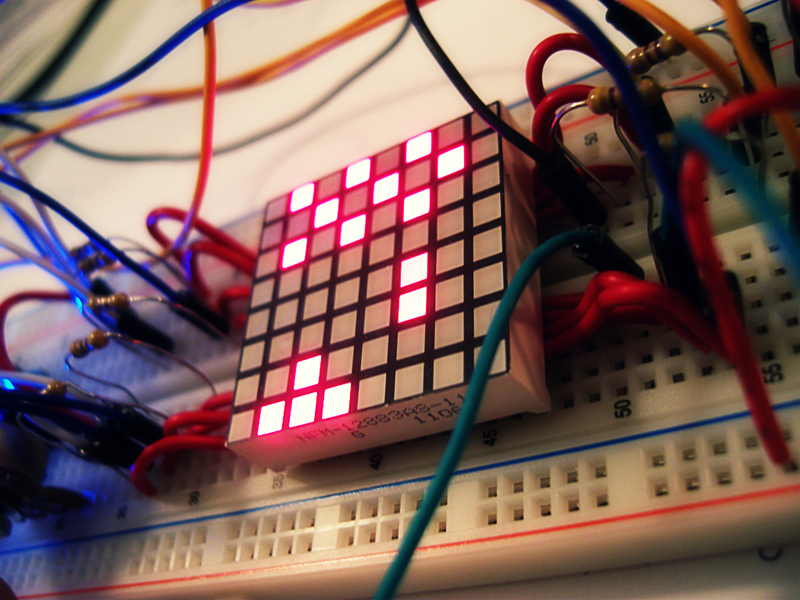
Space Invaders 8x8 LED Matrix
Finally uploaded the video of my Space Invaders game on an 8x8 LED Matrix using an Arduino Nano.
For more info check out my portfolio page Space Invaders - 8x8 LED Matrix
http://www.youtube.com/watch?v=M8C3GZfQZqc&hd=1

[HOW] HTML/CSS: Prevent Scrollbar Jump
Firefox and Chrome doesn't show a scrollbar on the right if the content of a page isn't longer than the window. But when the content becomes longer, the vertical scrollbar appears and causes the layout to shift. This "jump" can be quite annoying as the whole layout moves to the left. To fix this:
html {
  overflow-y:scroll;
}
Project Blender - Day4: Eye for an Eye

Blender weekend has ended! :( Did the Eyeball Tutorial from Blender Cookie and extended the image by placing more eyeballs in different colors. Next to Blendering, I went and bought some lamb at the Countdown (20% DISCOUNT!!!) and made some lunch; Lamb with oil, salt, pepper and fresh rosemary cooked in a 160C oven for 15-20 minutes :333

Ok time for bed! It's 2.32AM and tomorrow is Monday, which means back to the lab. Also I'm going to start learning Papervision 3D soon for the chemical processing project :D
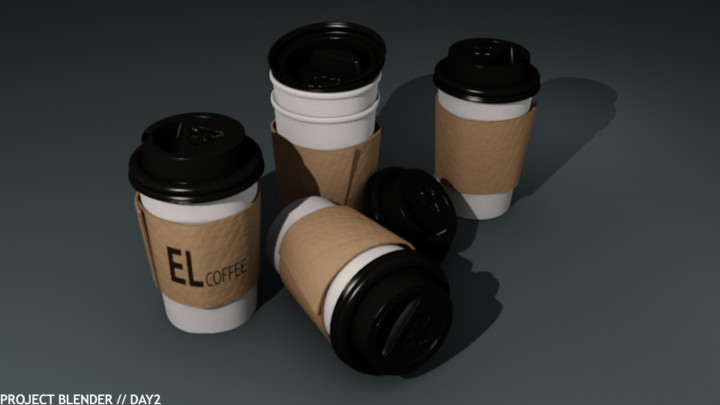
Project Blender - Day2: EL Coffee
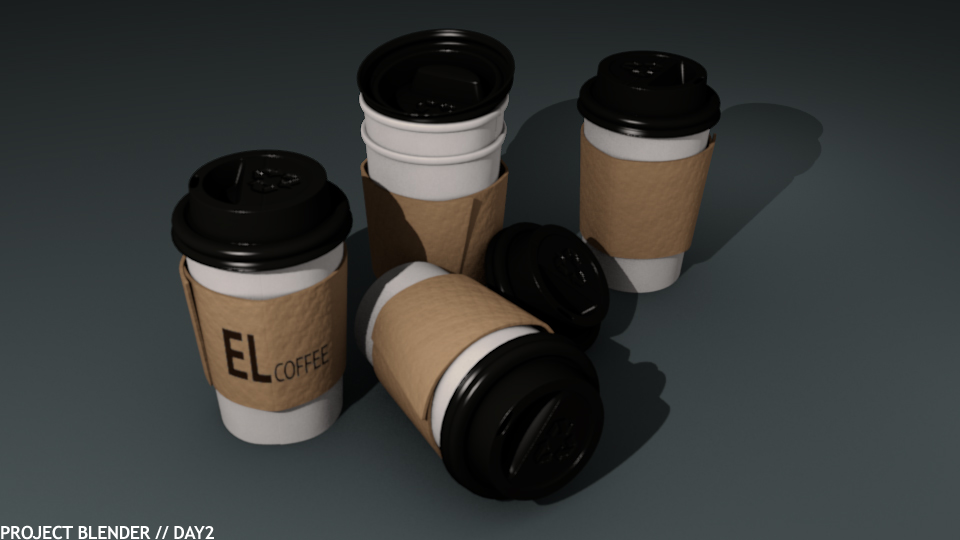
Day 2 of Project Blender! This time I did the Coffee Cup Tutorial from Blender Cookie and it took me quite a while before I had it right. Minor mistakes led to huge ones in the end, forcing me to start over again :@ But in the end I learned quite a lot of new features and techniques for object modeling :D
Weekend is coming up (actually it's passed 5pm now so technically it's weekend) which means more Blendering! :D :D
Project Blender - Day1: Color of Death
 For my internship at the HITLab in New Zealand, I need to learn some basic 3D modeling in Blender. The perfect opportunity to actually learn some useful 3D modeling. The only modeling program I know is Rhinoceros after doing an assignment at Industrial Design. But the program is very visually based and is practically useless if you want to implement it together with other programs. So if you're thinking of learning a 3D modeling program, I would recommend NOT to learn Rhinoceros. You're way better off learning Blender, 3DMax or Maya in terms of compatibility.
Anyway, I'm going to start Project Blender. I'll try to learn Blender in a couple of months by working with it practically everyday and see how far I can get. I did the same for Processing for my final project at Industrial Design; 1,5 months of coding, camera tracking and some robots.... It requires a lot of focus and it's very exhausting, but in the end it's all worth it (*FUCK-YEAH-face*)
I just started learning Blender 3D today and I used the Balloon Tutorial from Blender Cookie to create this image. It took me 4 hours to do a 40 minute tutorial, because I never used the interface before and quite a lot of features and functionalities are difficult to find unless you know them. Nevertheless it was fun! I can't wait to do more Blendering :D