Annoying Razer Synapse Updates
Ever since I installed Razer Synapse (Cloud-Based Mouse Driver) for my DeathAdder mouse I get very annoyed by the software updates. First of all, 99% of the time the update will require you to reboot your system which no ones likes. Especially when you just booted up your computer. Second, the windows where you confirm the update installation is pretty stupid as well.
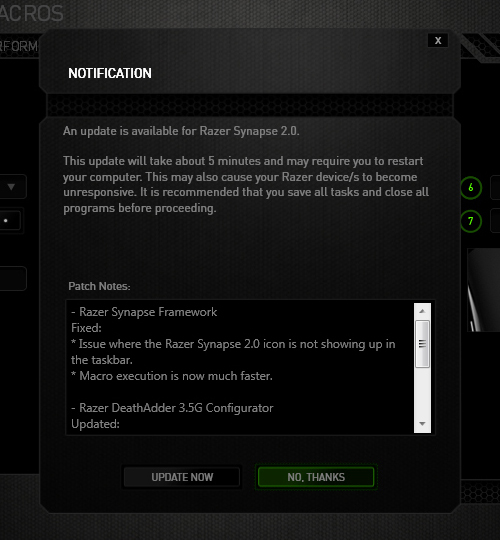
The image below is the default state in which the notification was presented. The "Update Now"(OK) option comes before the "No Thanks"(Cancel) option. Now there's always the debate whether the button arrangement should be "OK-Cancel" or "Cancel-OK". Both button orders are legitimate as the Nielsen Norman Group article points out, but what confused me was the button highlight. While updating the driver would be considered a "dangerous" action. I was immediately drawn to pressing the highlighted button, because in most UI cases they will highlight the option that they want you to press. So combined with the "I-just-want-to-get-this-over-with" mentality, I pressed the highlighted "No Thanks" option thinking it was updating when the window minimized to the system tray. Little did I know the update notification popped up again the next day when I turned on the computer... confused and enraged why Razer Synapse asked me to update again, I then discovered I was pressing the wrong button when I saw the update window for the second time. Am I raging about nothing? Or maybe I should just learn to read next time :(

Testing Substance Designer 3.5
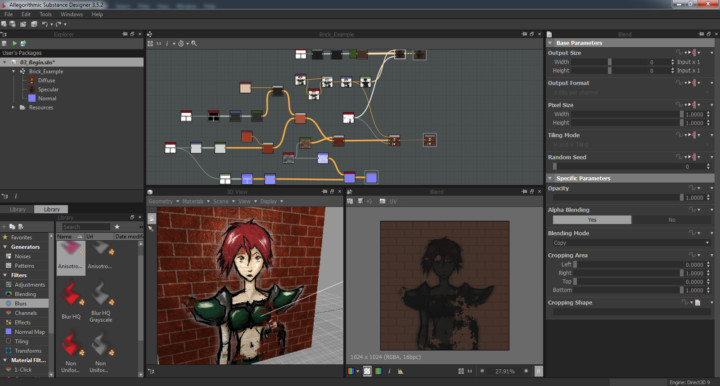
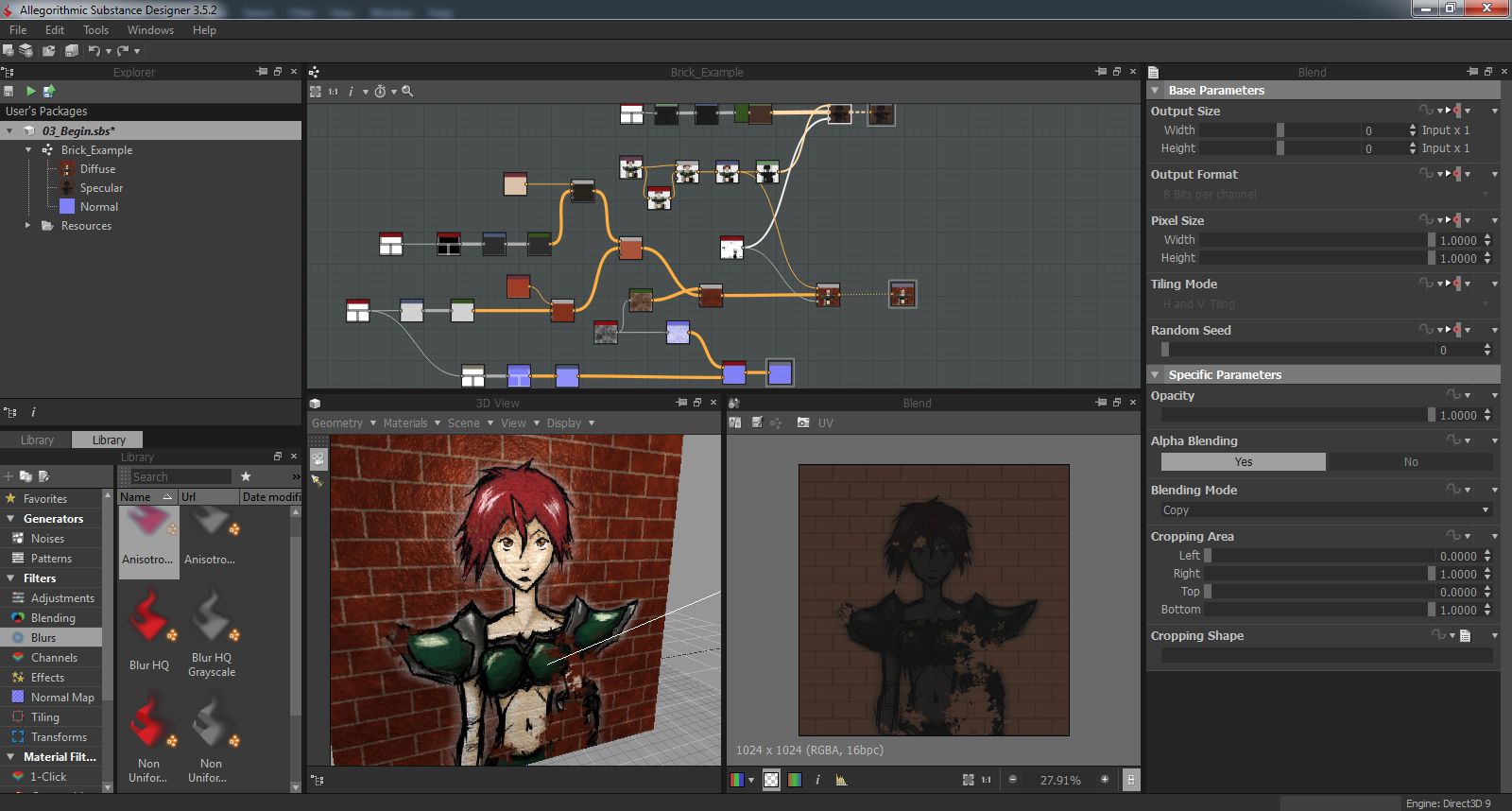
I found out recently that my Digital Tutors account from the ETC is still active, so I decided to do some tutorials on Unity3D and 3dsMax while I'm sitting here at home. It's going pretty well. Nothing to really show yet on Unity or 3dsMax, but I stumbled upon the Substance Designer software when I was browsing the tutorial list and decided to check it out. Substance Designer is a texturing tool which allows you to create high quality textures using nodes. It comes with a bunch patterns and filters and the software allows you to pack all your texture maps (diffuse, normal, specular etc.) into a single Substance texture file. On top of that you can connect the Substance textures with Unity3D or UDK and dynamically change parameters of your texture within the game engine. The software is really awesome so far. I can't wait to get more proficient with modeling, so can create kick ass textures for them :D
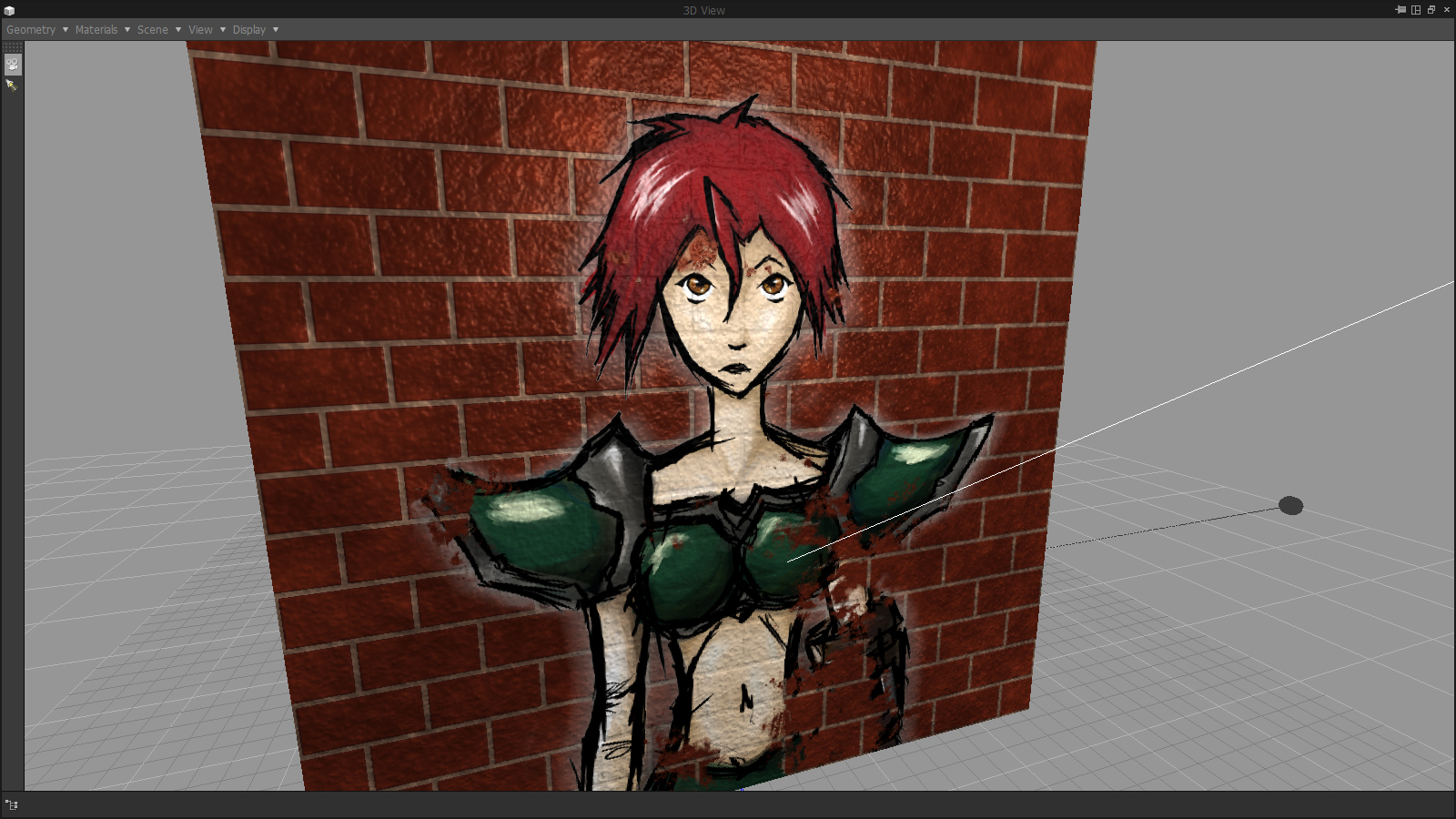
Below you can see a quick test using Substance Designer. I made a brick texture within Substance Designer with a normal and specular map and added a sketch of mine on top of everything.
[How] Print Screen with Cursor
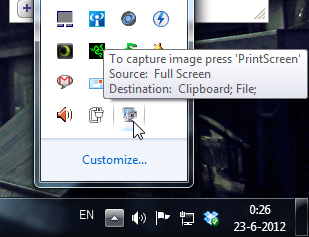
 Shocking discovery the other day... you CANNOT have your mouse cursor be visible when you make a print screen using the print screen button. Now, I've known that the cursor won't show up in print screens, which is awesome and useful usually, but there's actually no way to make the cursor visible in Windows 7 (not sure if it's possible in older versions.. I remember XP used to?). Looked all over the internet with no results. The best option is to install a 3rd party software such as Gadwin Print Screen.
Gadwin Print Screen is easy to use and it can other ride the current print screen button or other button if you like. You can toggle the cursor to be visible or not. Also, change the capture directory and the file type of your print screen. When downloading, make sure you download the freeware version, unless you're willing to pay for the pro version. So far, the freeware version works great! And the best thing is they aren't trying to force you to buy the pro version with watermarks or anything. Finally, print screens with cursors again!!! Great... right?
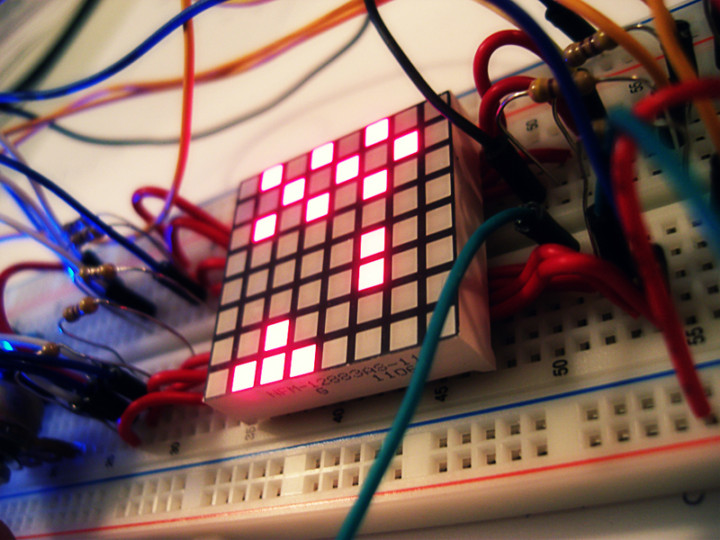
Space Invaders 8x8 LED Matrix
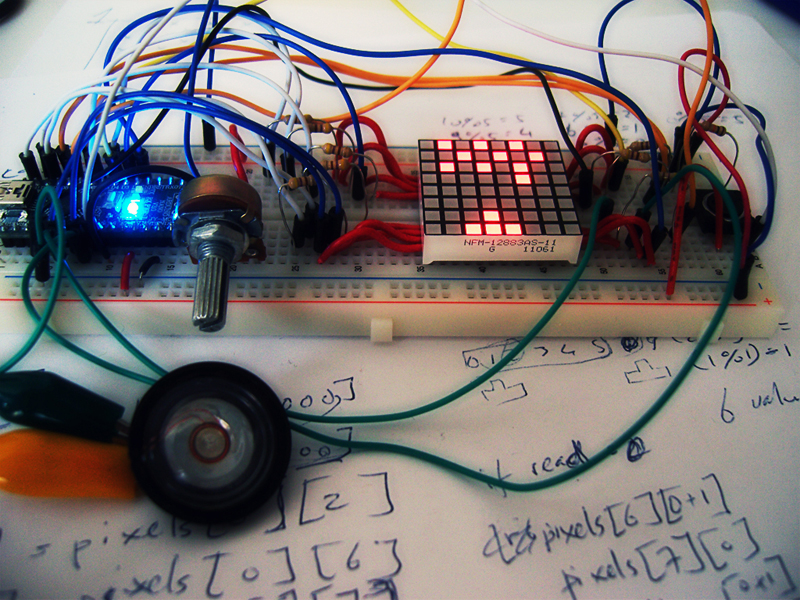
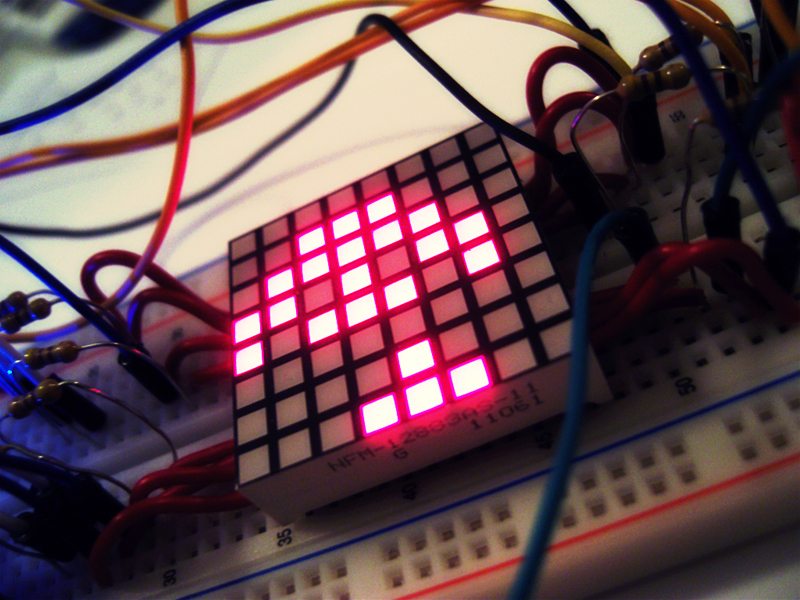
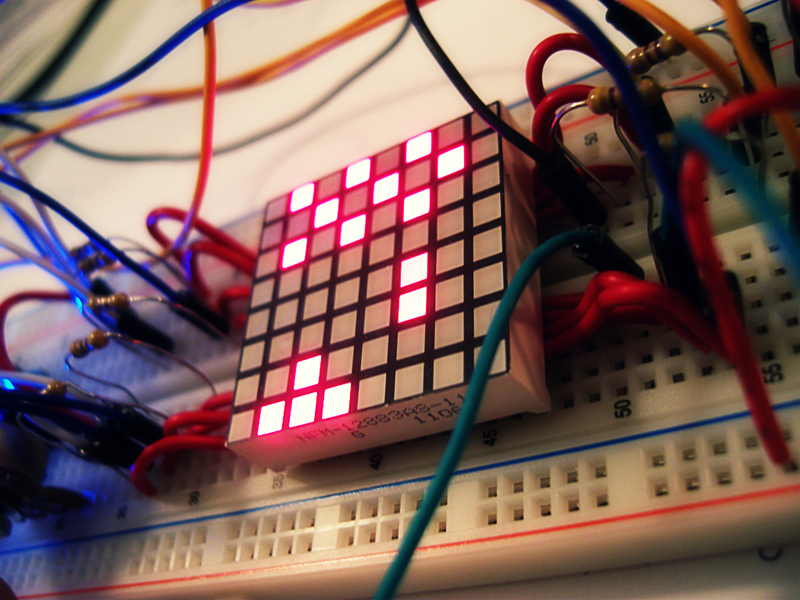
Finally uploaded the video of my Space Invaders game on an 8x8 LED Matrix using an Arduino Nano.
For more info check out my portfolio page Space Invaders - 8x8 LED Matrix
http://www.youtube.com/watch?v=M8C3GZfQZqc&hd=1